
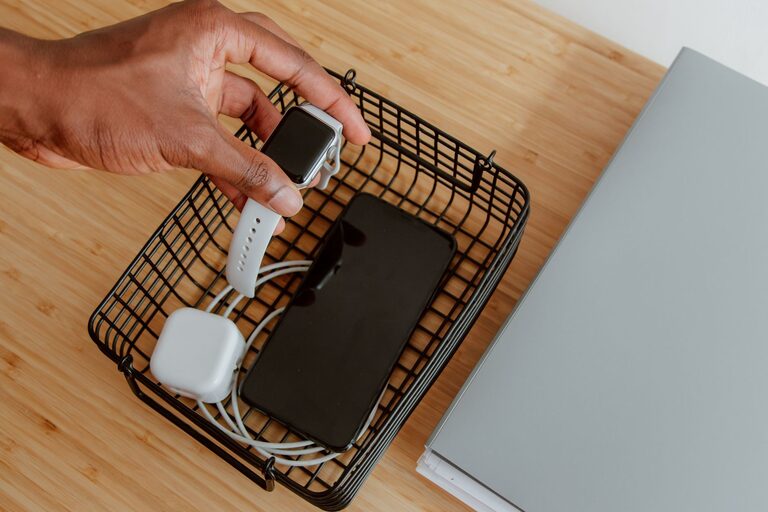
Setting up a dedicated charging station for your devices can simplify your daily routine, reduce clutter, and ensure everything is charged and ready when you need it. Whether you have smartphones, tablets, or other rechargeable gadgets, a well-planned charging station helps keep cables organized and devices in one place. This guide will walk you through the essentials of creating an efficient and safe charging hub for your home or office.
Why Create a Charging Station?
With multiple devices in most households or workspaces, charging cables can quickly become tangled and spread out. A charging station:
– Keeps devices organized in one spot
– Reduces cable clutter and confusion
– Protects devices from damage by avoiding loose cables
– Helps track charging status easily
– Saves time hunting for chargers or outlets
Choosing the Location
The first step in setting up your charging station is picking the right spot. Consider:
– Accessibility: It should be in a place where you and your family or coworkers naturally gather, such as the kitchen counter, a desk, or a side table.
– Power Availability: Make sure there are enough power outlets. Consider using a power strip with surge protection to handle multiple chargers safely.
– Ventilation: Devices can get warm while charging, so choose a spot with good airflow, avoiding enclosed areas.
– Safety: Keep the station away from water sources and out of high-traffic areas to prevent accidents.
What You’ll Need
Gather some basic supplies before setting up:
– Multi-port USB charger or charging dock: These devices allow you to plug multiple devices into a single power outlet.
– Charging cables: Use compatible cables for each device type (USB-C, Lightning, Micro-USB).
– Cable management tools: Velcro straps, cable clips, or cable organizers help keep cords neat.
– Container or tray: A small box, basket, or tray keeps devices contained and organized.
– Labeling materials (optional): Labels or colorful tags can help identify cables or device slots.
Step-by-Step Setup Guide
1. Declutter and Clean the Area
Start by clearing the chosen space of any unnecessary items. Wipe down the surface to ensure it’s clean and ready for your charging station.
2. Arrange Your Power Source
Plug your multi-port USB charger into an outlet or a power strip with surge protection. Avoid daisy-chaining multiple power strips to maintain safety.
3. Organize Charging Cables
Plug all the charging cables into the multi-port charger and arrange them neatly. Use cable clips or holders along the surface edge to keep cables from tangling.
4. Assign Device Spots
Place a tray or container on the station to hold your devices. If you have a charging dock designed for multiple devices, position it centrally. Set up areas for each device to reduce mix-ups.
5. Label Devices and Cables (Optional)
If multiple people share the station, consider labeling each cable or slot with the device owner’s name or device type. This helps avoid confusion and lost cables.
6. Test the Station
Plug in all devices and verify that they are charging properly. Ensure cables reach devices comfortably without stretching or bending.
Tips for Maintenance and Safety
– Unplug when not in use: To save energy and reduce fire risk, unplug chargers when you’re away for extended periods.
– Inspect cables regularly: Check for frayed cords or damaged connectors and replace them promptly.
– Avoid overloading outlets: Use chargers that support multiple devices but don’t exceed the recommended power limits.
– Keep liquids away: Never place drinks or water near your charging station.
Enhancing Your Charging Station
If you want to take your charging station a step further, consider these additions:
– Wireless chargers: For compatible devices, wireless charging pads reduce cable clutter further.
– USB hubs with power delivery: These can provide faster charging for devices that support it.
– Smart power strips: These can turn outlets on/off based on schedules or device usage, improving energy efficiency.
– Storage for accessories: Add small compartments for headphones, power banks, or adapters.
Conclusion
Setting up a charging station is a practical way to keep your devices powered and organized. By selecting the right location, using quality chargers and cable management tools, and following safety tips, you can create a tidy and functional hub that makes charging hassle-free. Take a little time to customize the setup for your devices and lifestyle, and you’ll enjoy a neat, efficient space that keeps everyone’s gadgets ready to go.